Log an expense in seconds.
Pay with Apple Pay and it’s already in. Or say it, snap it, type it. Countey does the rest.
Watch a month fill itself in
Just pay.
Pay with Apple Pay and it’s logged on its own: amount, store and category.
Say it.
“12.50 at Chipotle.” That’s all. Countey files it under Dining.
Snap it.
A receipt, or a screenshot from your bank. Four payments in the photo? Four transactions.
Type it.
Write the store. The category is already picked.
Your month. Done.
Where it went, what came in, what you saved. Without ever sitting down to do it.

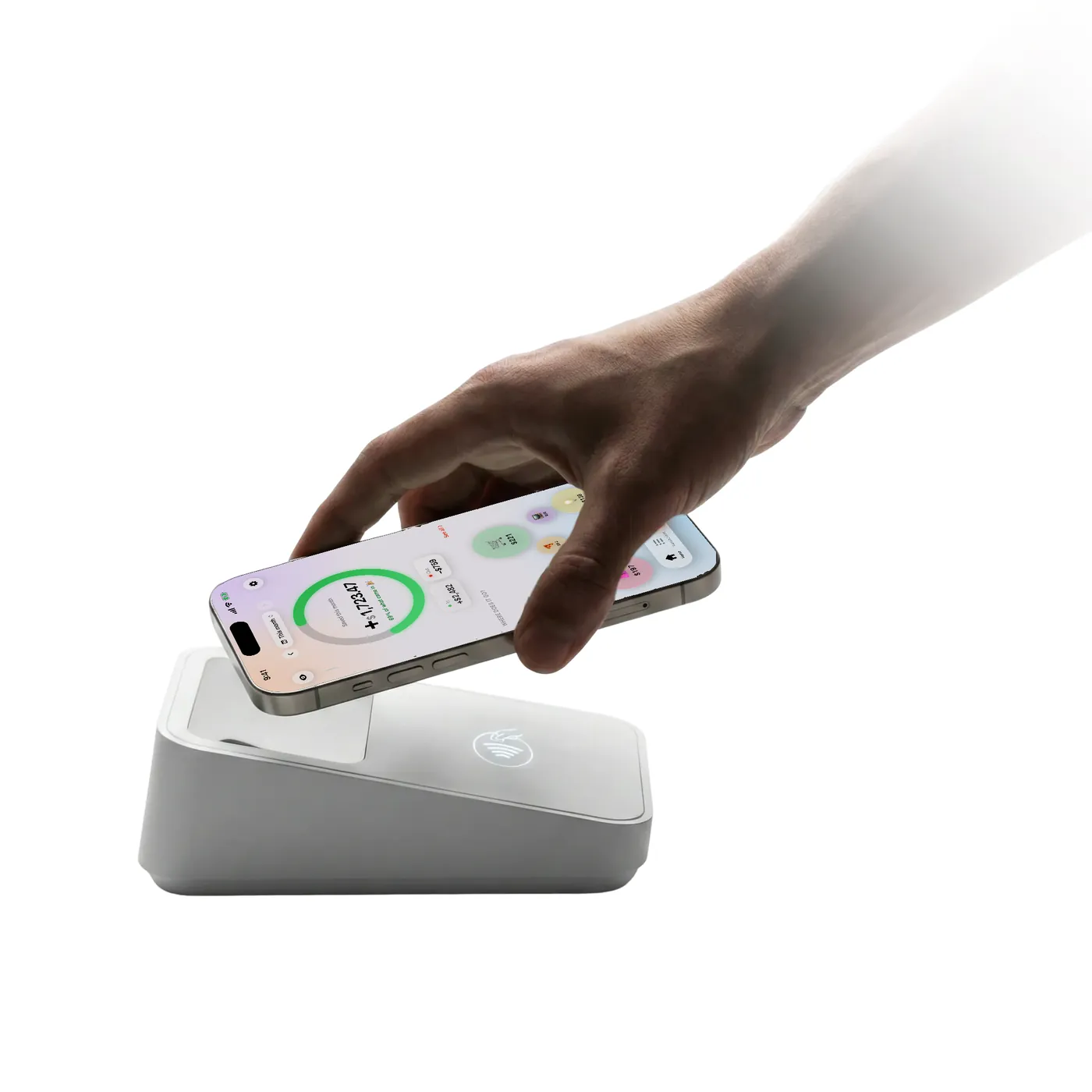
Set it up once. Then just pay.
Countey uses a Shortcuts automation that runs every time you pay with Apple Pay. You switch it on once, in about a minute, and the app walks you through it.
- Choose “Wallet”
- Pick your cards and “Run Immediately”
- Add Countey’s “Log payment”
- Connect the amount and the merchant
What people say.
5.05.0 out of 5 · 10 ratings on the App Store in Spain
Essential
I installed it because it took up little space, and ended up surprised by how useful it is day to day. I’d call it essential if you want to keep track of your spending and savings quickly and effectively.
maarceescuderoTranslated from Spanish My take on Countey
Incredible app that’s really helping me manage all my expenses. I’d also say the app looks really cool and it’s super easy to use.
_n.maarza_Translated from Spanish Finally an expense app that doesn’t overcomplicate things
I’d been looking for a while for something to track my spending without dealing with endless categories or filling in long forms every time I buy something. Countey makes it all super quick and visual: two taps and the expense is logged. What I like most is how intuitive the interface is; you can tell it’s made to be used every day without it feeling like a chore. And the summaries really help you see where your money actually goes. Totally recommended if you want to get your finances in order without complicating your life.
adrideceTranslated from Spanish Very clear
It’s very easy to use and tells you right away where you stand financially.
Ana VilafortunyTranslated from Spanish Finally an app that helps me keep my spending in check
I haven’t been using Countey for long, but I’m honestly loving it. It helps me see much more clearly what I’m spending my money on and organise my expenses in a really simple way. The app is easy to use, has a very clean design and doesn’t feel complicated at all, which is key for me. It’s also making me much more aware of my day-to-day spending. Highly recommended if you want to start organising your finances without complicating things.
vbaldrichTranslated from Spanish Really useful, the best I’ve seen
Logging payments is really easy for me.
Eric RodríguezzzTranslated from Spanish
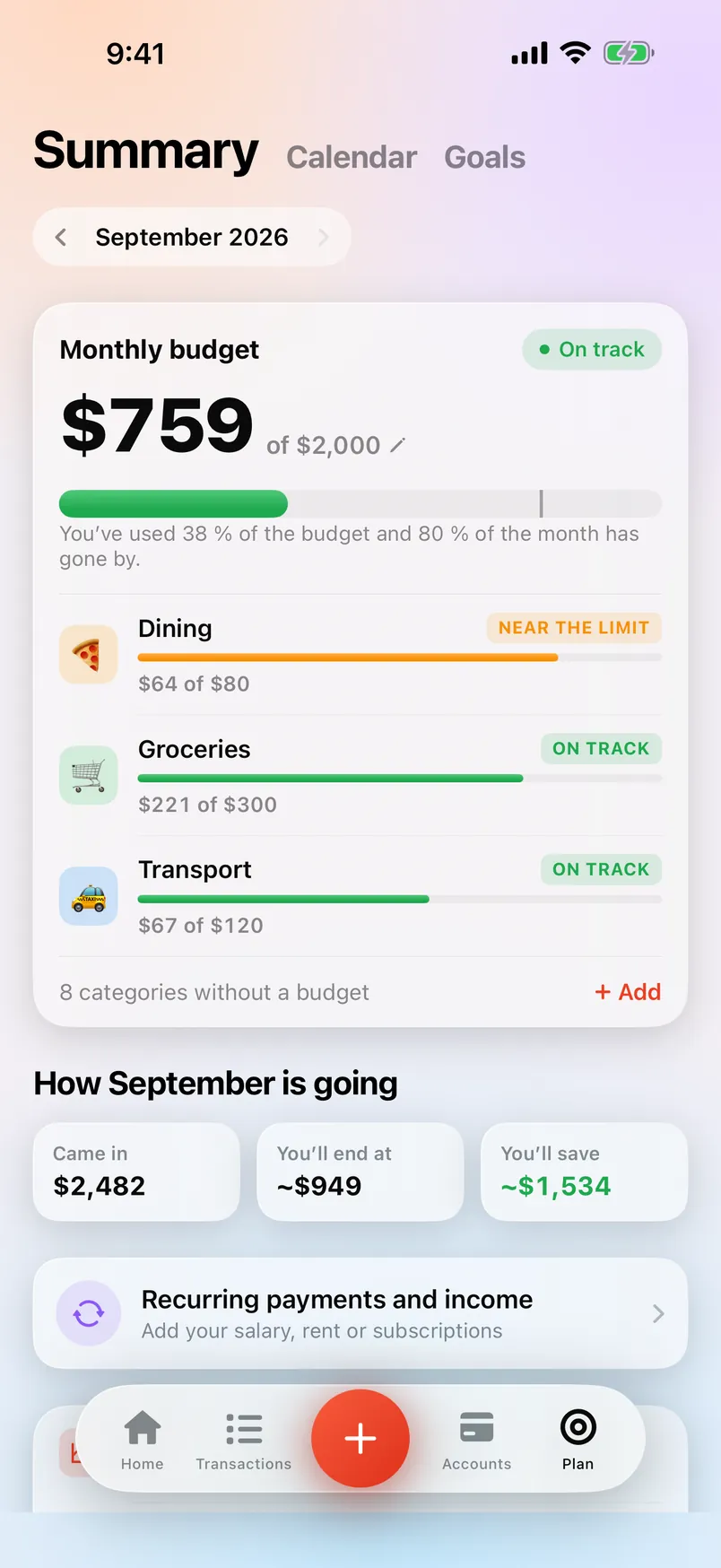
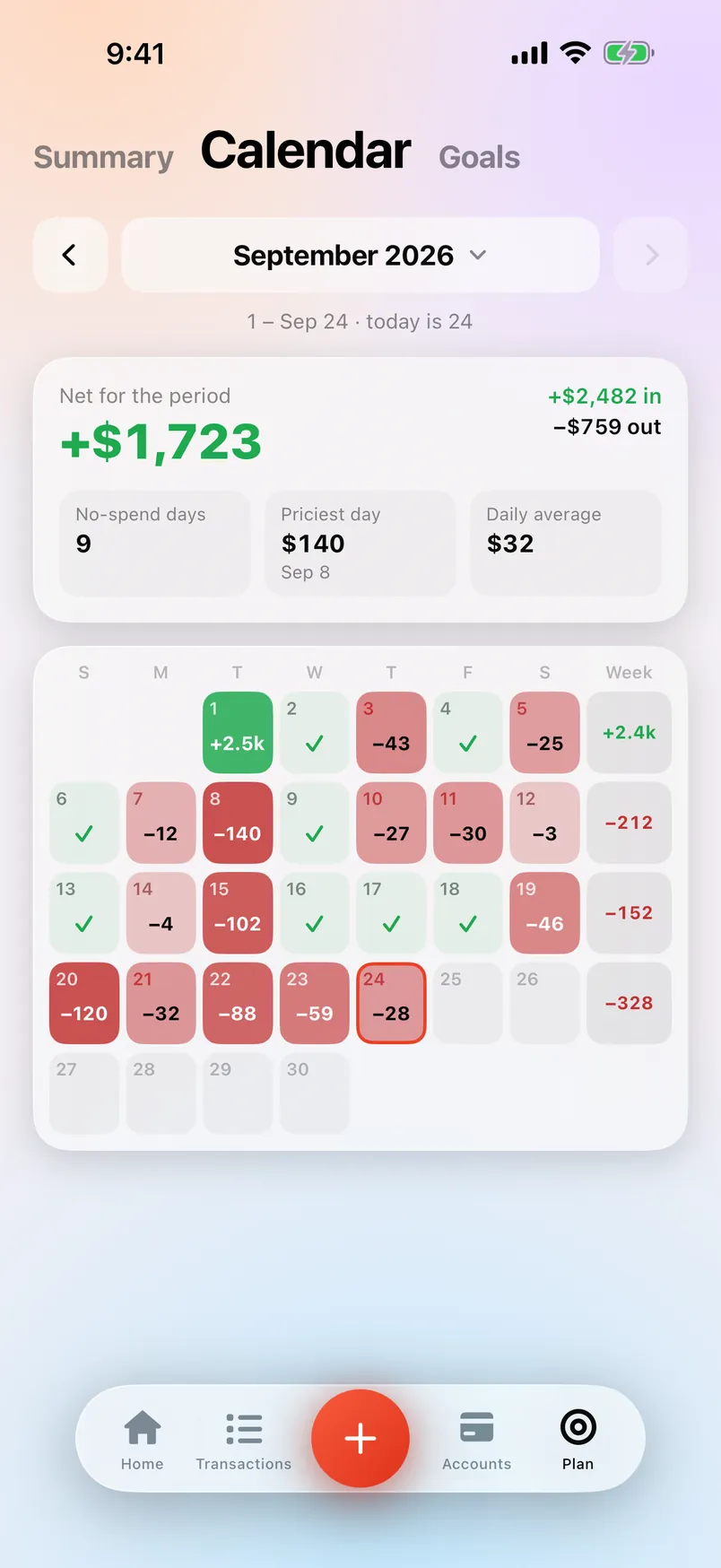
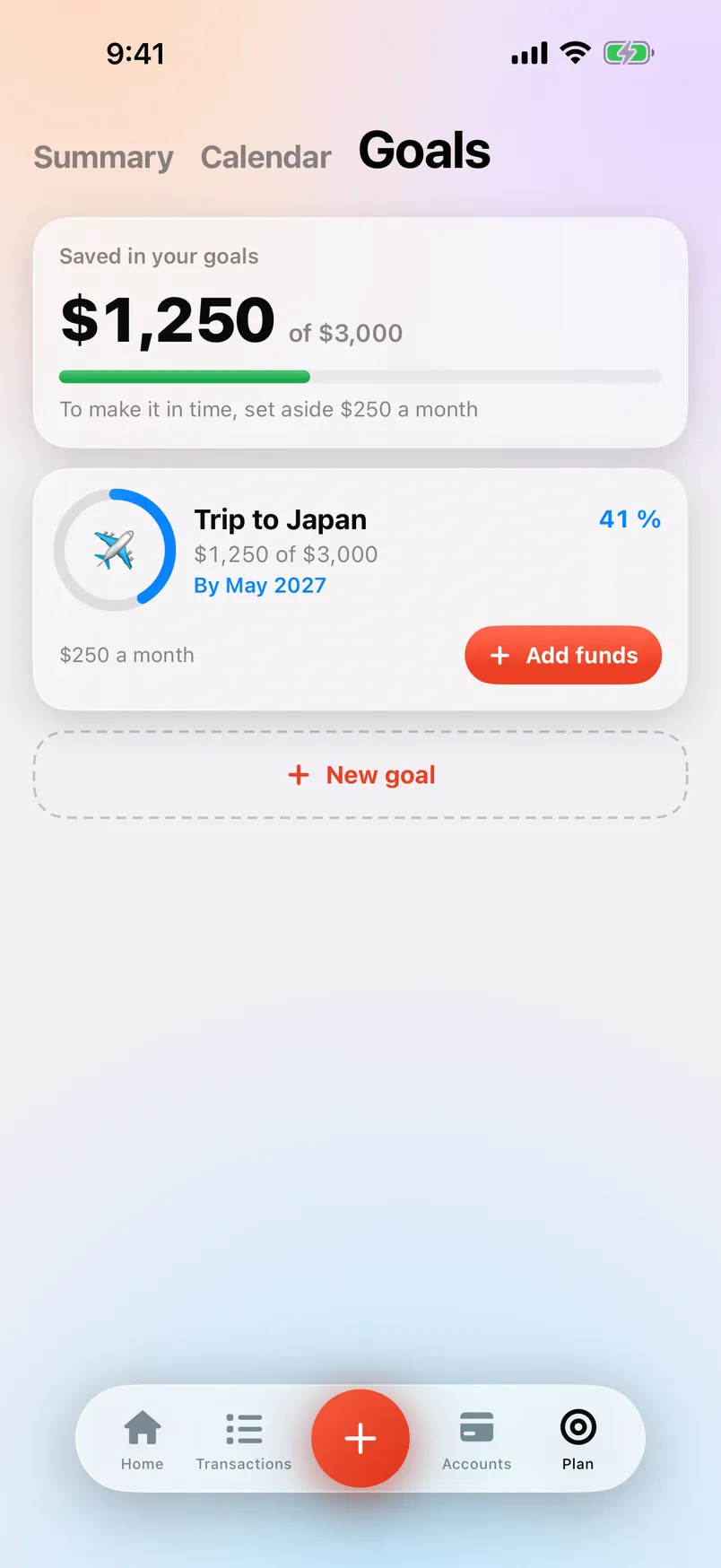
Plan it. See it. Save it.
A monthly budget, split by category. Getting close to a limit? You’ll know before you go over.
And the little things.
One total
Bank, cash and savings, added up into one number.
Add up & split
Tick a few transactions to add them up, then split it with friends.
Recurring, handled
Countey spots your rent and subscriptions and offers to log them for you.
Face ID lock
Keep Countey locked with Face ID.
Hide amounts
One tap and your balances turn into dots.
Your currency
Six languages, and the currency you actually use.
Yours.
What you spend is nobody else’s business.
No sign-up.
Open it and start. No email, no password.
No bank link.
Nothing to connect. You decide what goes in.
On your iPhone.
Your transactions and balances stay on your device.
Photos and voice notes you send to be read are processed and then discarded.Read the privacy policy
Manage your money in seconds.

Requires iOS 18.1 or later. Made for iPhone.